
Aircraft Spruce Canada
Brantford, ON Canada
Corona, CA | Peachtree City, GA
Chicago, IL | Wasilla, AK
 Aircraft Spruce Canada
- Wishlists
- 1-877-795-2278
- Contact Us


 Contact Us
 Call Us
 Sign In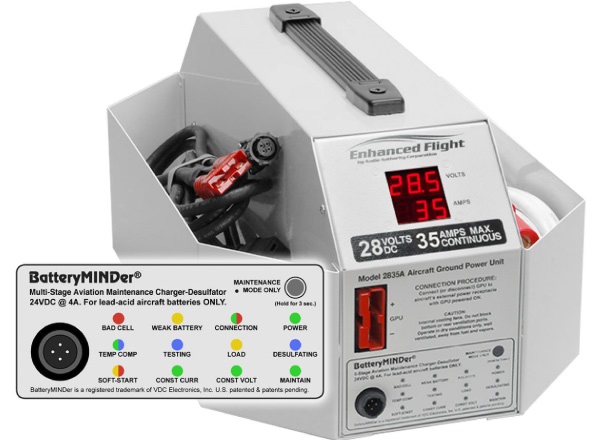
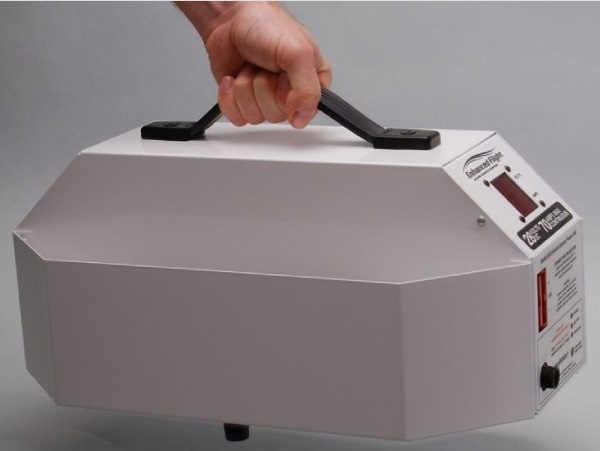


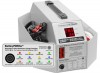
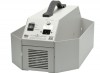
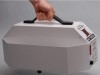



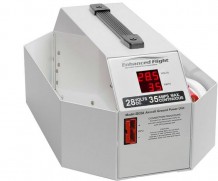
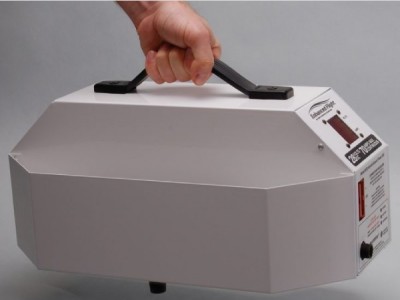
Enhanced Flight Aviation Ground Power Unit (GPU) 35A 28V
Overview
|
Safe, Affordable, Airframe Power for Piston and Light Turbine Aircraft Charger Operator’s Manual |
Features
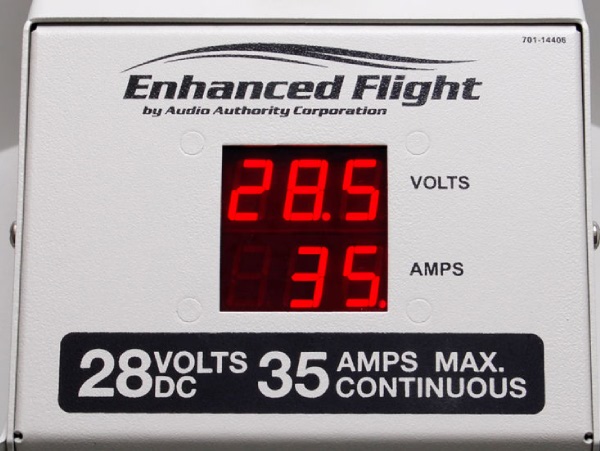
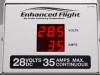
- Dual digital output meters, volts & amps
- Overload alarm and auto-shutdown sequence
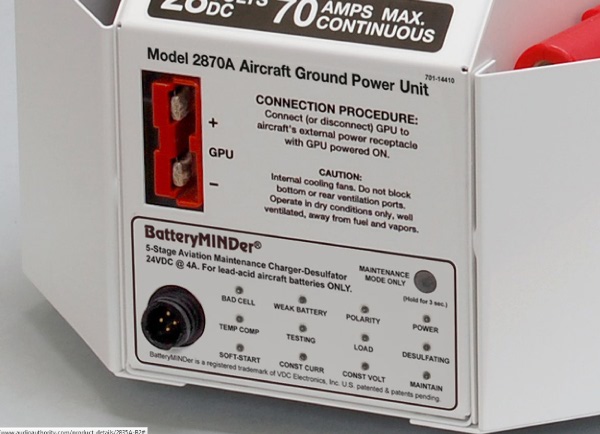
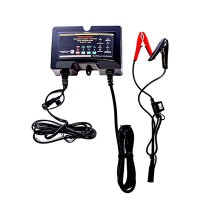
- Integrated BatteryMINDer maintenance charger- desulfator
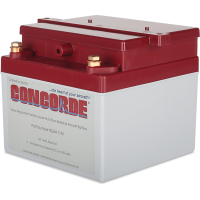
- Special charging profile for Concorde batteries
- GPU output cable with AN2551 3-pin oval plug
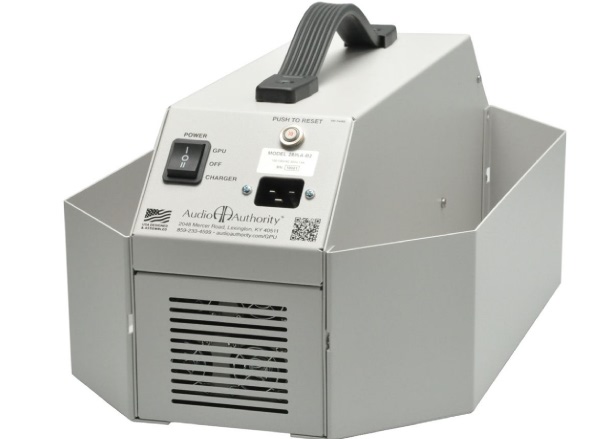
- Removable cord/tool caddies
Specifications
- Input: 90-140 Volts AC, 50-60 Hz, up to 9.5 Amps
- GPU Output: 28 +/- 0.5 Volts DC, up to 35 amperes continuous
- Weight: 19.4 lbs (8.5 kg) without cables
- Dimensions: 7.25"H x 14.6" W x 13.75"D (18.1 cm x 27.6 cm x 34.9 cm)
- Note: See the Model 2835A manual for details on aircraft compatibility and start assist (piston engines only).
- IMPORTANT DISCLAIMER & OPERATING LIMITATIONS: Audio Authority® authorizes this device for use ONLY by aviation professionals, such as licensed pilots and maintenance technicians, knowledgeable about their aircraft electrical system and batteries. Aircraft electrical systems vary widely. Many aircraft electrical systems have been altered in the field from the original OEM configuration and these changes are often poorly documented in the aircraft records. The operational concepts, recommendations, and instructions presented here are necessarily general and make assumptions that do not apply to every aircraft, and may not be correct for your particular aircraft. Incorrect use of this device has the potential to damage the GPU and/or aircraft components. It is the operator’s responsibility to read completely and fully understand the manual, plus those sections of the Aircraft Flight Manual and Maintenance Manual that pertain to their aircraft’s electrical system design, to determine the appropriate use of this, or any, external power source. If you cannot do this, do not use this product. Instead, consult the airframe manufacturer or a technician familiar with your specific aircraft type and configuration before connecting a GPU to your aircraft.
Applications
- Powered preflight and battery top-off
- Battery charging and conditioning with BatteryMINDer charging system
- Cockpit procedures training NavData updates
- Cabin environmental systems
- General maintenance
Mfg Q&A
Q: Can I use the 2835A to start an aircraft engine?
- A: The 2870A GPU is adequate for piston engine start ASSIST ONLY. Its capacity is inadequate for turbine engine start assist and should be used for airframe systems power only. Do not attempt turbine engine starts with the GPU connected to aircraft. See the User Manual for details.
Q: Can I leave the BatteryMINDer connected for long periods of time?
- A: Yes, the BatteryMINDer is designed to remain connected and will not overcharge or damage your battery.
Q: Does my GPU have Active Load Monitoring?
- A: This feature was introduced in January, 2015. All GPUs produced since then have the feature, and older GPUs can be upgraded at the factory for a fee. Details.
Q: I have a Concorde battery - can I get a BatteryMINDer optimized for Concorde?
- A: Yes, you can change the charging profile on your 2835A-B1 to the Concorde specific setting. Call us for instructions.
Q: Does the GPU with BatteryMINDer work outside North America?
- A: The GPU itself may be used with almost any voltage, but the internal BatteryMINDer is only compatible with a 100-127V AC power source. In countries with other voltage standards, a compatible BatteryMINDer must be purchased and used separately.
Videos












Reviews
We purchased this unit to operate the Avionics in our Citation M2 while it’s in the hangar. It save us from pulling the aircraft the aircraft out of the hangar and hooking up a GPU. It powers the entire aircraft and saves the aircraft battery. The M2 normally pulls about 37amps with the battery switch on, easily within the operating limits of this unit. It is not capable of being used for starting or other heavy use such as gear rearaction whil on jacks, etc.
Q&A
Please note, Aircraft Spruce Canada's personnel are not certified aircraft mechanics and can only provide general support and ideas, which should not be relied upon or implemented in lieu of consulting an A&P or other qualified technician. Aircraft Spruce Canada assumes no responsibility or liability for any issue or problem which may arise from any repair, modification or other work done from this knowledge base. Any product eligibility information provided here is based on general application guides and we recommend always referring to your specific aircraft parts manual, the parts manufacturer or consulting with a qualified mechanic.